


Ethereum remains the home of the world’s most popular and valuable NFT collections. From blue-chip projects like Bored Ape Yacht Club and CryptoPunks to the latest community-driven drops, you’ll likely find whatever you’re looking for in the Ethereum NFT ecosystem. So if you’re looking to start collecting, understanding how to safely and easily buy Ethereum NFTs is the first step.
In this guide, we’ll walk you through the process using Magic Eden, a leading multi-chain marketplace that aggregates Ethereum listings across the web, making it easier to find the right NFT at the right price. You’ll learn how to set up a wallet, fund it with ETH, connect to Magic Eden, and make your first NFT purchase with confidence.
Quick Take
- Ethereum NFTs are unique digital assets that are created and minted on the Ethereum blockchain.
- Magic Eden is the best Ethereum NFT marketplace because it aggregates much of the NFT market, has low fees, and is highly user-friendly.
- Buying an NFT is a straightforward process that requires just access to a marketplace like Magic Eden, a crypto wallet, and some ETH.
What Are Ethereum NFTs & Why Are They So Popular?
Ethereum NFTs are unique digital assets created, minted, and traded on the Ethereum blockchain.
The most well-known and valuable NFT collections, some with price tags as high as tens of millions of dollars, are almost all on the Ethereum network. The main reason why Ethereum is the preferred blockchain for creating NFTs is the fact that it was the first one to support this use case of the technology. The network is also considered secure and reliable, largely due to the developer input it has attracted over the years.
Ethereum NFT projects also have the most numerous and active communities, which is important for a collector because it provides a strong sense of belonging and increases the token’s value. Some NFT collections grant entry to exclusive communities and events.
Step-by-Step Guide: How to Buy Ethereum NFTs
Magic Eden has established itself as the leading Ethereum NFT marketplace. Few other marketplaces can match the platform’s broad listing of iconic and emerging collections.
While other marketplaces only display their own listings, Magic Eden offers a broader market view by aggregating collections from across the web. Additionally, its multi-chain support and exclusive features, such as Lucky Buy and Magic Eden Rewards, enhance the value you receive. It also charges comparatively low fees.
The following guide shows you how to buy NFTs on Magic Eden with ease.
Install & Set Up Your Wallet
To get started on Magic Eden, you need to connect a crypto wallet that you have installed on your browser or device. In this example, we’ll use the official Magic Eden App but you can choose from a wide range of Web3 wallets with NFT support.
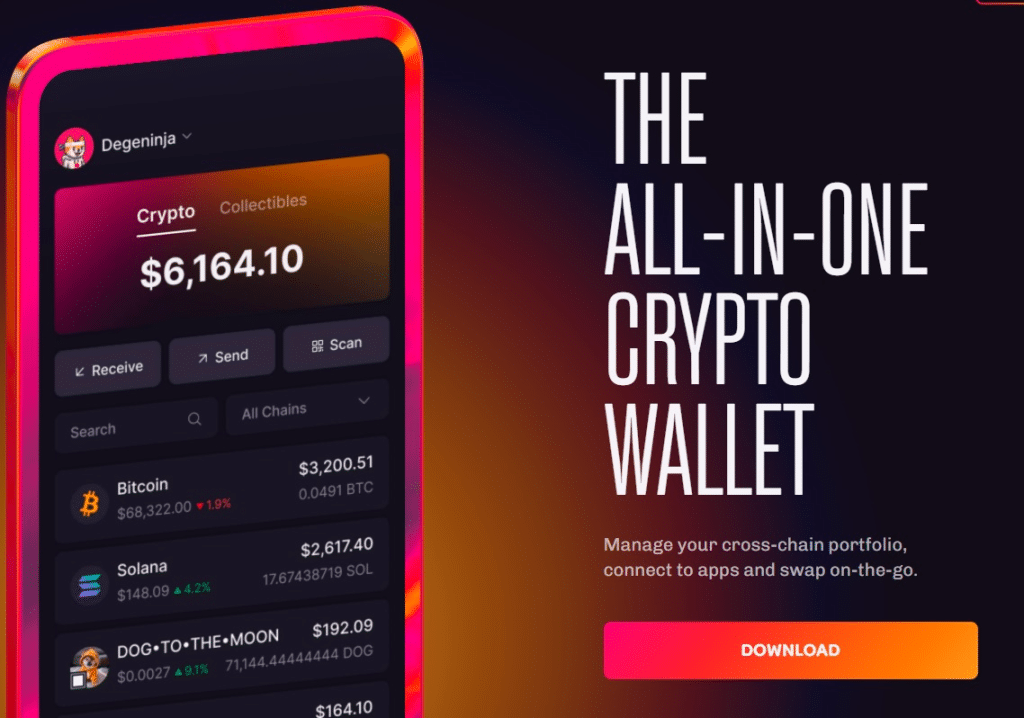
Download the app and select ‘Create a new wallet’.
This will prompt you to set a password. Make sure this password is strong and unique. The wallet will provide you with a 12- or 24-word recovery phrase. You must write this down on paper and store it in a secure place.
As part of the setup process, the wallet will ask you to input a few words from your recovery phrase. This is to ensure you have copied the phrase accurately. With this done, your wallet is set up and ready to be funded.
Deposit ETH in Your Wallet
In your new wallet, find the “Receive” button and grab your unique public address.
Use the “Send” or “Withdraw” function in the wallet where you have your ETH stored and paste the address and send the amount you want. In a moment, the ETH will appear in your wallet, ready to be spent.
Alternatively, you can buy some ETH using the wallet’s in-app purchase feature.
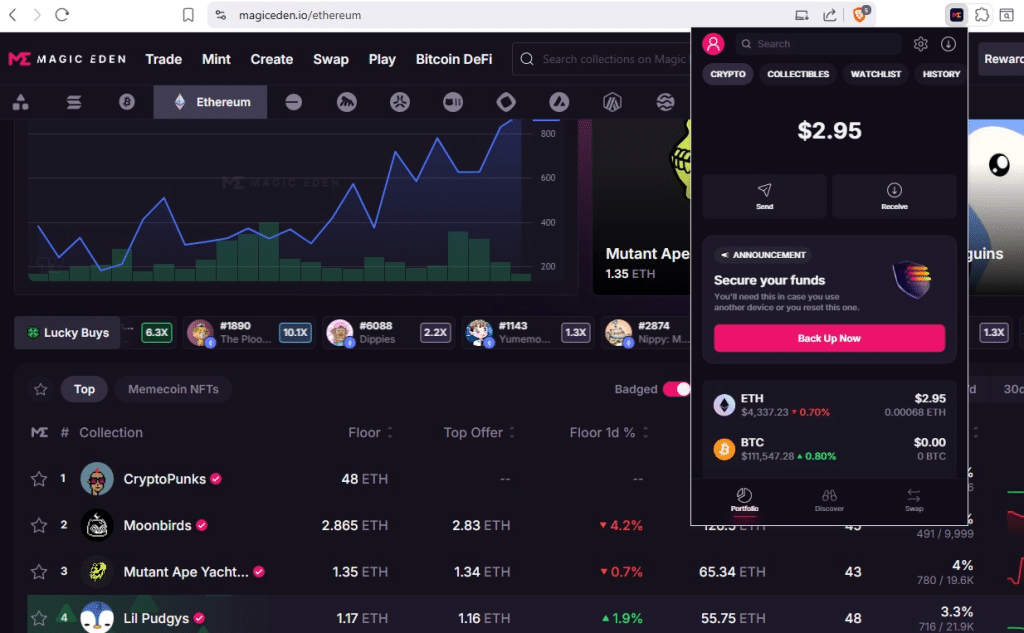
Access an NFT Marketplace
Once your wallet is ready and funded, it’s time to access Magic Eden.
On the main page, find the “Log In” and then click on the “Connect Wallet” button. From the list that appears, choose the wallet you just installed and funded.
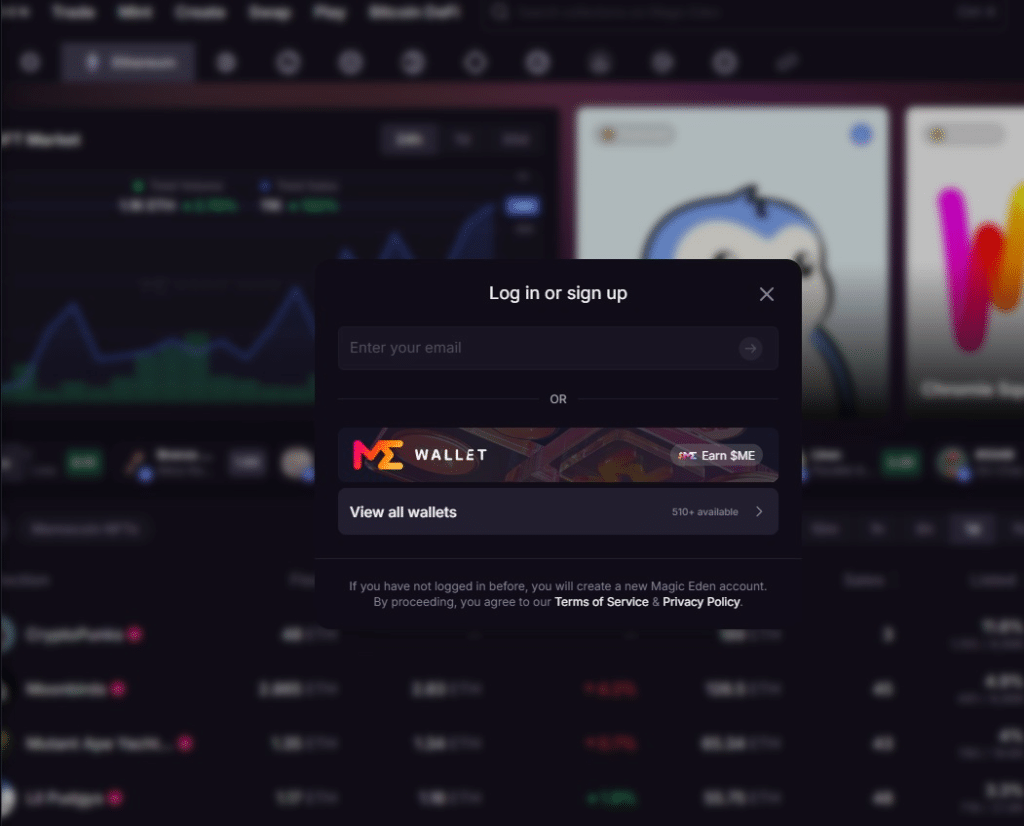
You then need to choose Ethereum’s EVM chain from the list of networks.
A pop-up message will appear in your wallet asking you to sign a transaction. This is a step that verifies you are the owner of the wallet and allows you to enter the marketplace with an Ethereum account.
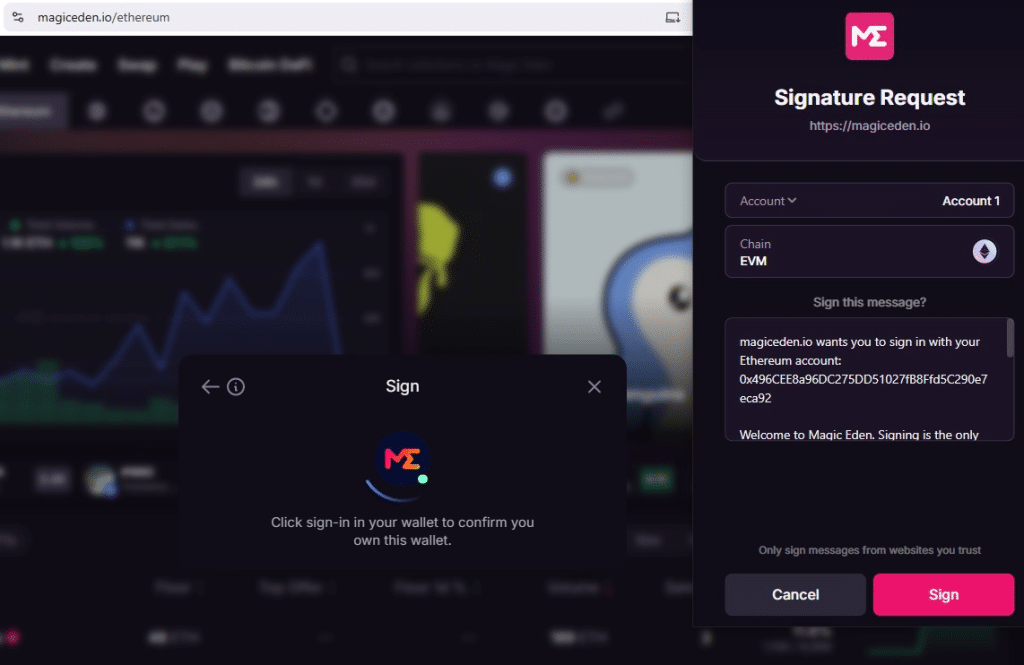
Find an Ethereum NFT to Purchase
Magic Eden has a very wide selection of Ethereum NFTs, so there is something that can get your attention.
Find the Ethereum section on the marketplace and browse the collections, from legendary and most expensive projects like CryptoPunks and Pudgy Penguins to more modestly priced collections.
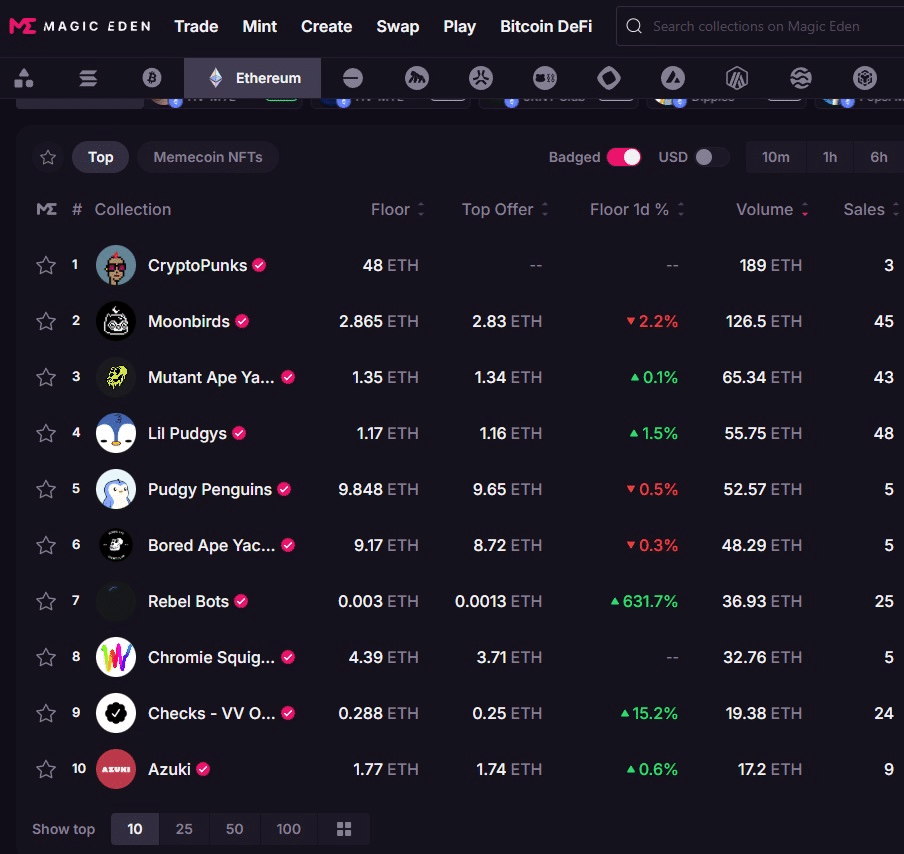
You can filter by price, rarity, trading volume, and other considerations to hunt for the most unique pieces. The platform helps you find exactly what you are looking for.
Buy Your NFT & Confirm Transaction
Once you have found an Ethereum NFT you like, you can check its details, and if you decide it is what you want, you can click to its purchase page.
There, you will have the option either to buy the NFT at the set price or make an offer to the owner.
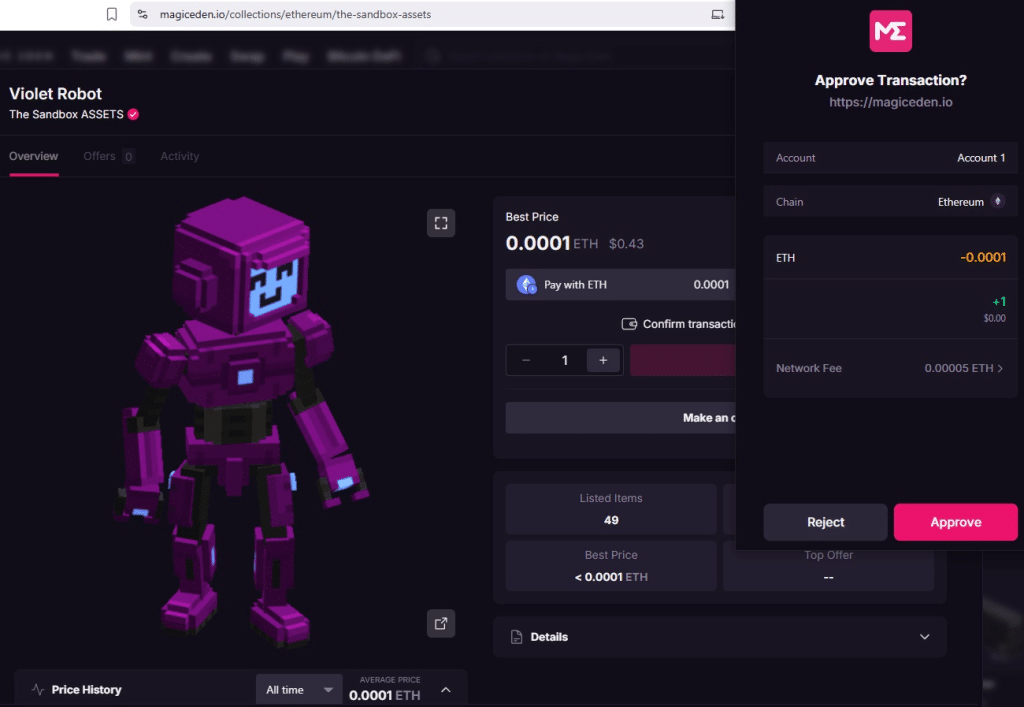
When making the purchase, a message will pop up in your wallet asking you to confirm and sign the transaction. This is the final step in the purchase, and the NFT will be added to your collection, which you can access through the wallet.
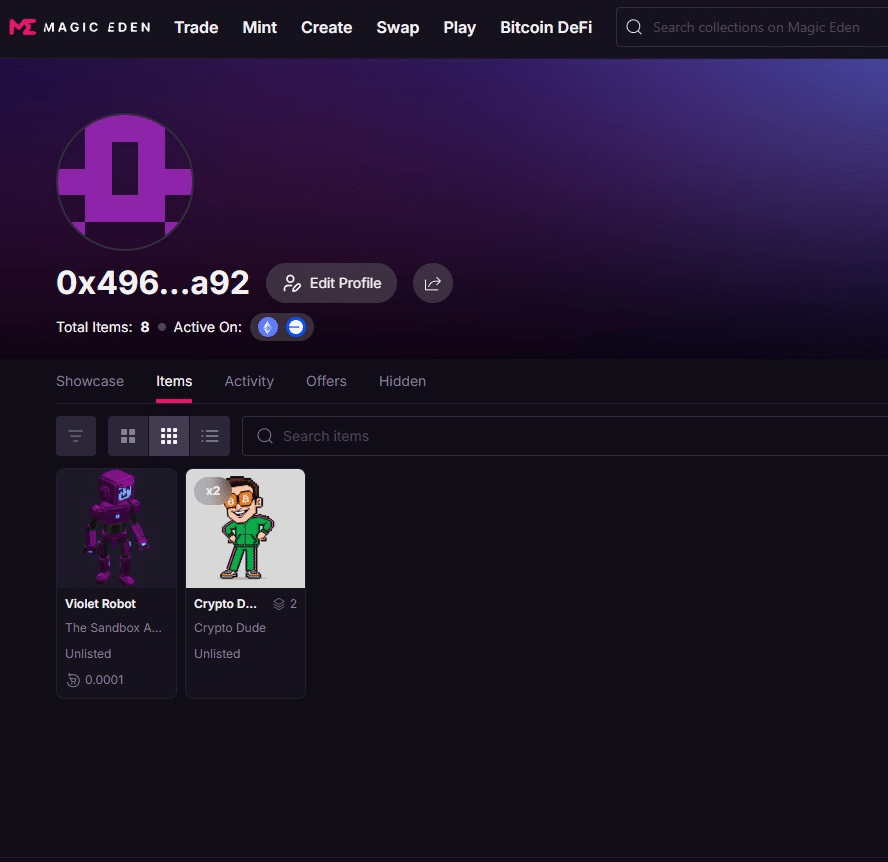
You can view and manage your NFTs in the Profile section of the Magic Eden App or the corresponding section of whatever wallet you used.
Should You Collect Ethereum NFTs?
If you’re looking to explore the NFT ecosystem, scooping up a handful of Ethereum NFTs is probably a good place to start.
If you’re just starting out a new collection, you may want to stick to NFTs with lower price tags before you get a feel for the market and are able to take the time to research pricer collections. But even then, remember never to spend more than you can afford to lose because even the most popular NFTs can drop in value drastically, as we have seen many times in the past.